DIVE DEEPER
Webcam Covers
For webcam covers:


INSTALLATION

PRO TIP
Your device’s microphones sit right next to the camera. Sliding the cover during a call can sound surprisingly loud to others.
For the best experience, slide open before your call begins.
RECOMMENDED PRODUCT
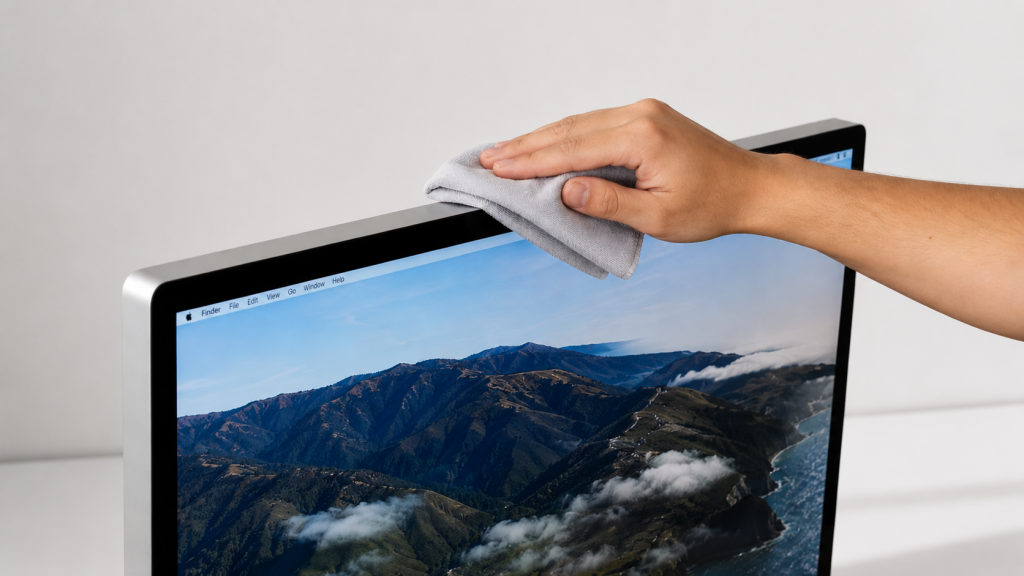
A clean, dust-free display helps productivity, video quality, and allows your webcam cover to slide smoothly.
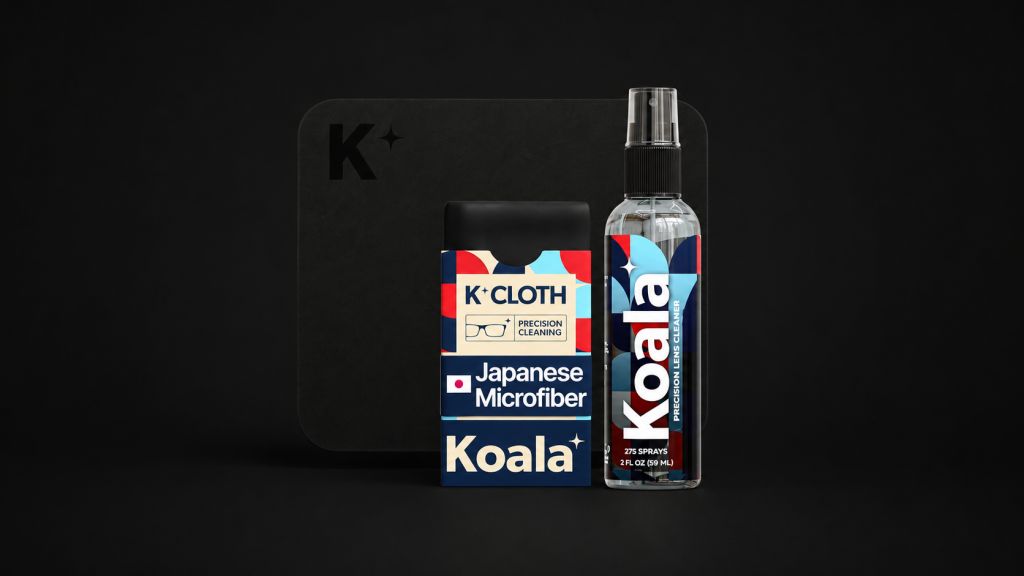
We use Koala Cleaner with Koala’s Japanese microfiber cloths because it’s inexpensive, effective, and designed for delicate displays.

PRIVACY TIP
1. Check Your Camera Permissions
Take a moment to verify which apps can access your camera. Remove anything you no longer use.
2. Be Mindful of Screen Sharing
The most common privacy leak is accidentally sharing the wrong window. Before meetings, check your desktop.
3. Use Two-Factor Authentication
A password is good. A password plus a verification code is much better.
4. Be Cautious With Browser-Based Camera Access
Websites can request camera access just like apps. Check for camera permissions in your browser.
5. Cover the Camera When Not in Use
The simplest privacy habit is often the most effective. When you’re done using the camera, slide to close the cover.
FAQs
Our webcam covers are made from lightweight PLA bioplastic, a material significantly softer than glass. Glass typically measures 5.5–7 on the Mohs hardness scale, while PLA is considerably softer. We also carefully design our covers to be as light as possible, reducing the load placed on your display.
While researching webcam covers, we expected most people to be worried about hackers. Instead, many talk about meetings, pets, kids, clutter, and peace of mind. Privacy is one big reason, but many customers choose a webcam cover for simpler, everyday situations like:
- “I realized my camera was still on…”
- “My kid walked behind me during a call.”
- “The cat somehow turned my camera on.”
- “My desk is a mess.”
- “I just like knowing it’s covered.”
- “A new app wanted camera access.”
Probably not.
Apple advises against using webcam covers on MacBooks. Because the display closes directly against the keyboard area, even a small amount of added thickness can place pressure on the screen when closed.
That’s why we design webcam covers only for desktop Apple displays, where this concern doesn’t exist.